




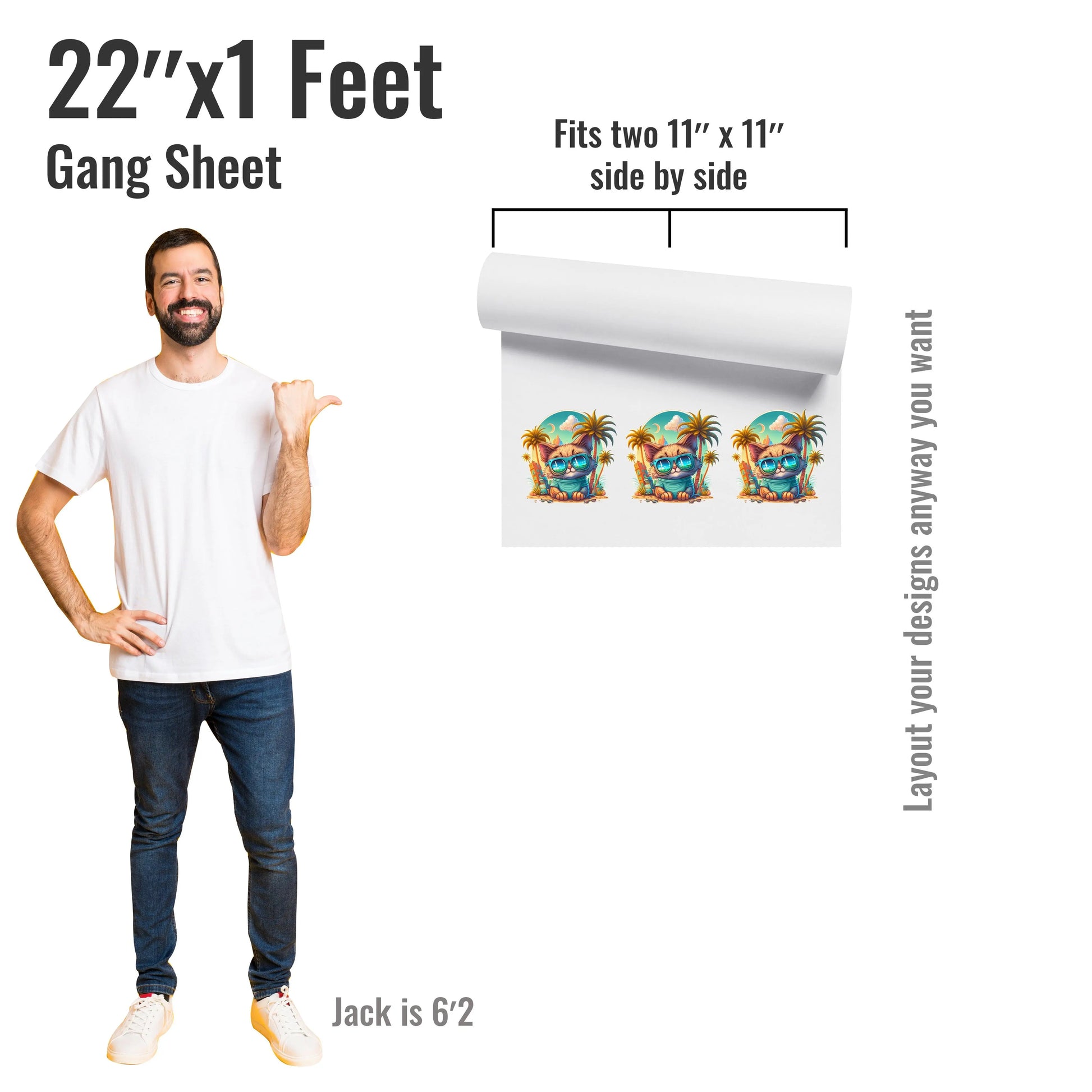
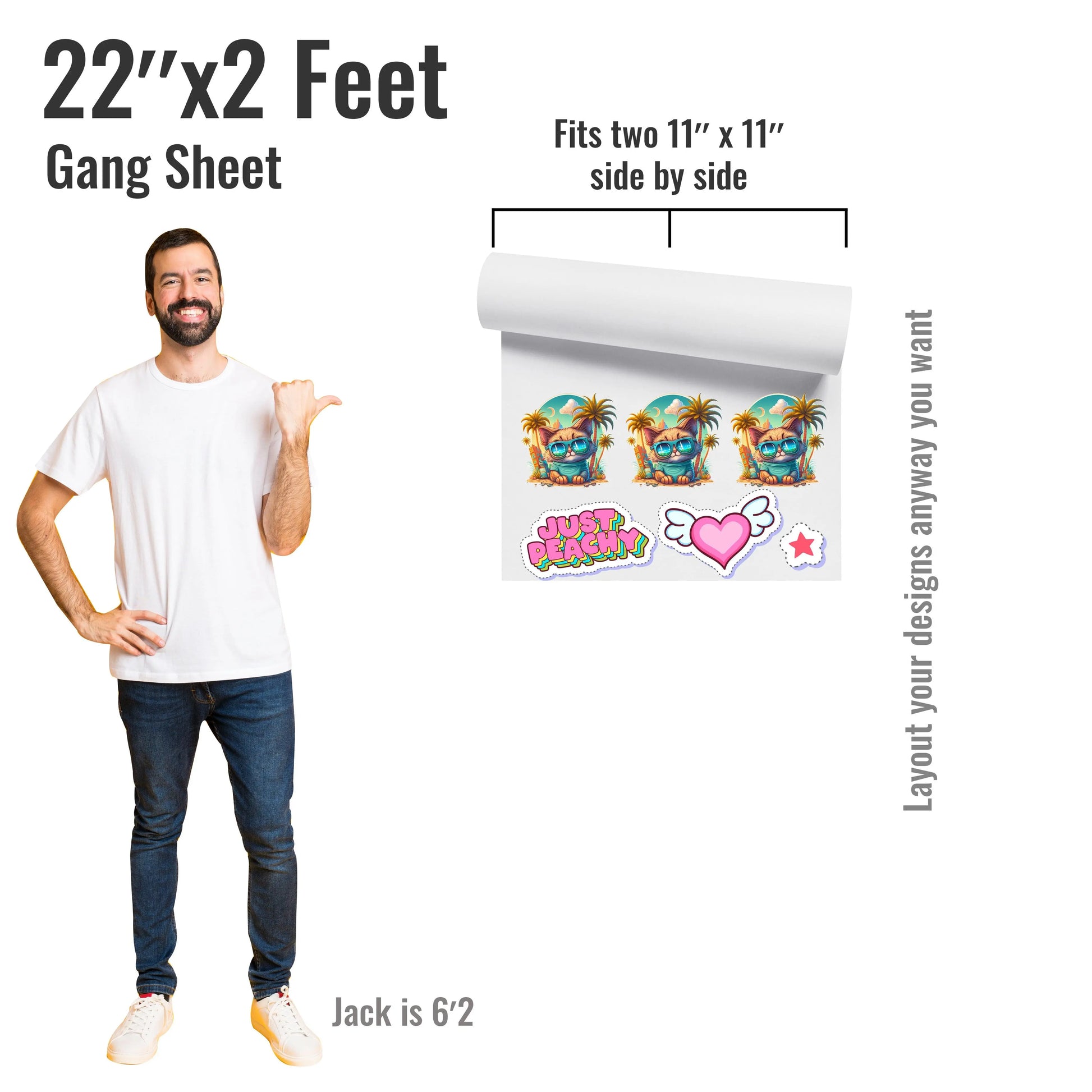
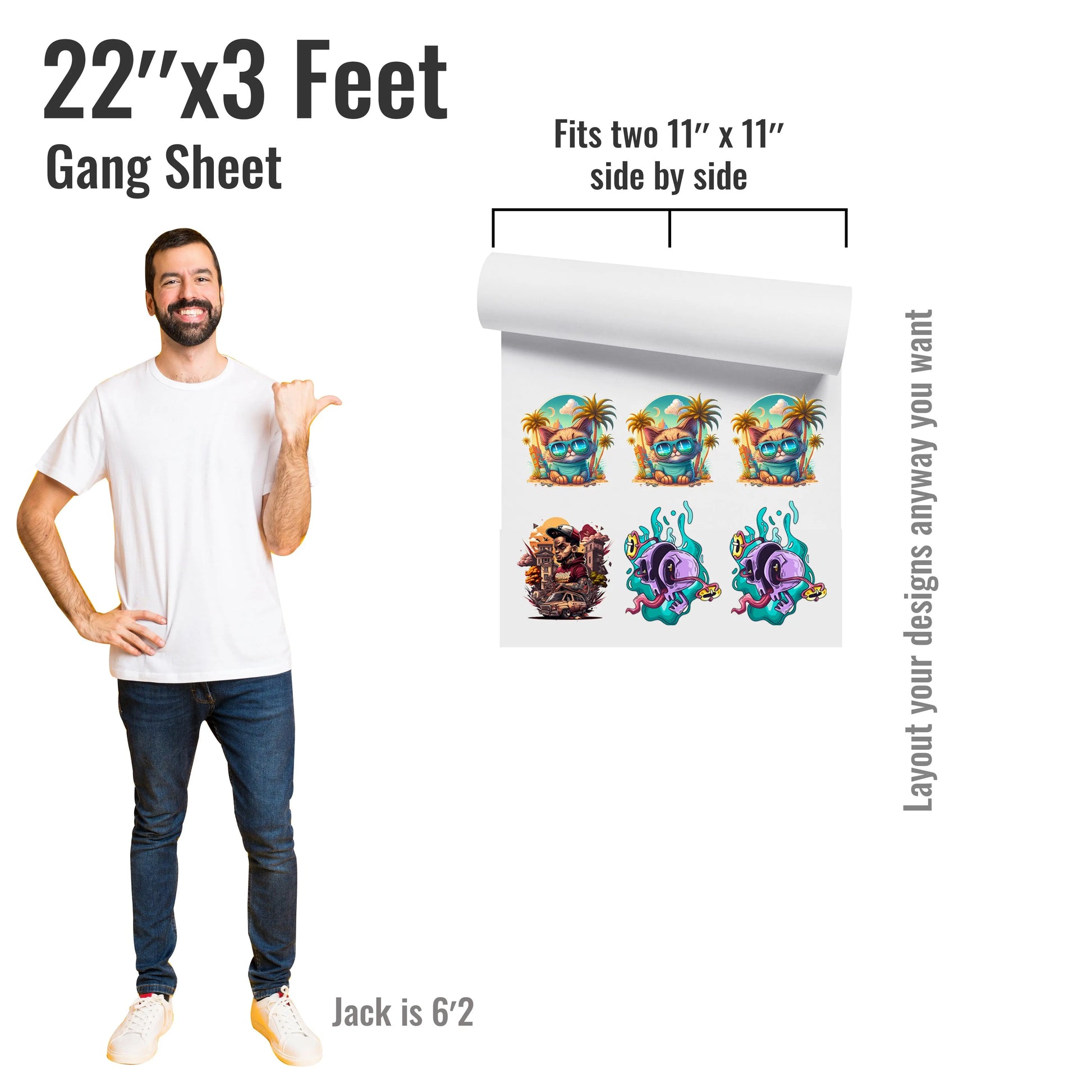
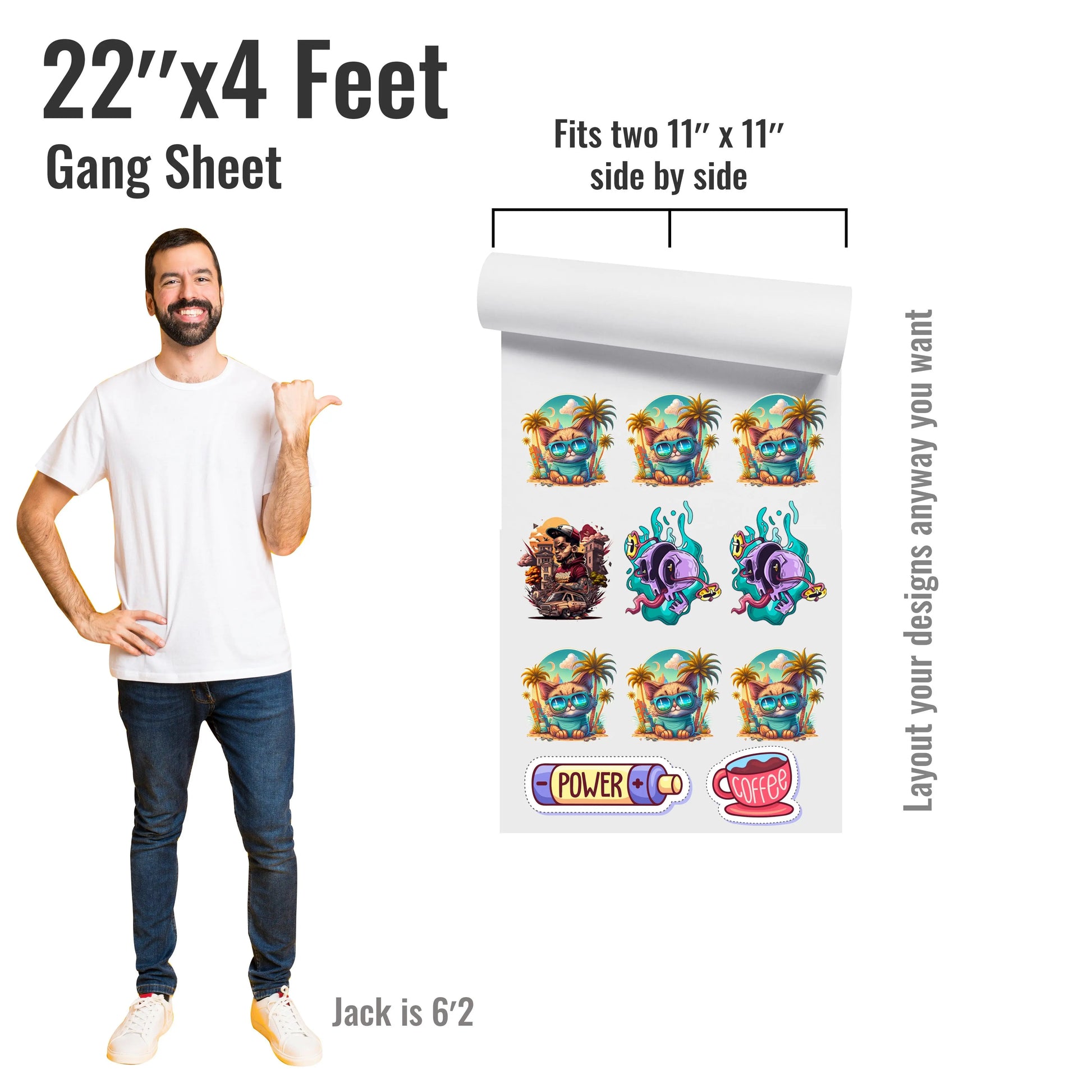


Product Details
Customer Satisfaction
We carefully inspect every order before it leaves our facility. If you notice a production issue, please contact us within 24 hours of pickup or 48 hours of delivery. Please include photos of the issue so our team can review it and help you.
Application Instructions
How do I apply UV DTF transfers?
Surface preparation is one of the most important steps for a successful application.
1. Clean: Thoroughly clean the surface to remove dust, oil, and residue. We recommend wiping it with an alcohol wipe or isopropyl alcohol and allowing it to dry completely.
2. Position: Peel the backing film and carefully position your transfer.
3. Apply: Press the transfer firmly onto the surface and rub across the entire design, paying extra attention to edges and small details.
4. Peel: Slowly peel the top film back at an angle.
If any part of the design starts lifting, stop peeling, lay the film back down, rub the area firmly again, and slowly continue peeling.
Surface Compatibility
UV DTF is designed primarily for hard, smooth, and non-flexible surfaces such as glass, acrylic, metal, and many hard plastics.
UV DTF ink is not designed to stretch, so we do not recommend applying it to fabric, flexible materials, soft surfaces, or heavily textured surfaces. For the best results, always choose a hard, smooth, and clean surface.
Production, Shipping & Pickup
How long does shipping or pickup take?
Orders without artwork or file issues are produced within 24 business hours. Orders placed before 12 PM are typically shipped or ready for pickup the same day. Most orders are ready within just a few hours.
Returns & Order Issues
Because all UV DTF transfers are custom-made, we do not accept returns or refunds. However, if there is an issue with your order, we're always happy to help.
Please contact us within 24 hours of pickup or 48 hours of delivery so we can review the issue.
Art Upload Recommendations
Artwork & File Requirements
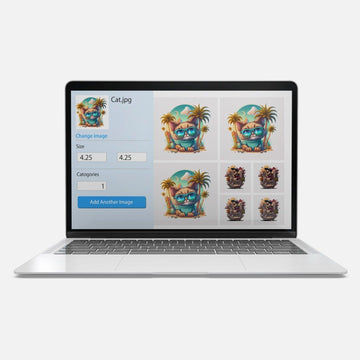
You can upload PNG, SVG, PDF, or other vector artwork files. For the best results, we recommend high-resolution, print-ready artwork. PNG files should preferably have a transparent background and be 300 DPI.
Vector files are especially recommended when available because they can be resized without losing quality.
Small Details & Fine Lines
Very small text, extremely thin lines, and tiny isolated details are not recommended. Small elements may be more difficult to apply and may not adhere as reliably. For the best results, use clear artwork with sufficiently thick lines and details.