




Introduction
If you are starting a new apparel business, make sure you have the correct arrangements ready at hand. You might have to make custom shirts for a large family reunion, or prepare outfits for a local sports team at a short notice. Using the service of DTF printing online, you can make your business grow. The ability to print full-color graphics on thin film can be difficult. All it needs is to apply them directly onto any fabric that includes blends like cotton, polyester, and any other unique blends, giving you incredible creative freedom. Preparing your artwork correctly is the single most important step in the entire apparel decorating process. It all depends on what you send. If you send bad digital files, you will ultimately get a bad batch of printed shirts.
What Are The Basics of DTF Printing Online
Placing orders of DTF printing online has made it incredibly easy for small businesses and everyday operators to get professionally graded apparel transfers delivered right to their front doors. The steps are very easy. You have to follow the following steps-
- Upload your graphic to a website
- pick your specific sheet size
- Pay for the order.
Before submission: But before you click that final upload button, you have to understand how the complex printing machines actually read your digital files. Difference: Unlike traditional screen printing where colors are separated manually into different physical screens, a DTF machine prints every single color at once. It lays down the colored ink first, then immediately backs it with a thick, solid layer of white ink. Result: Due to this unique process, your background appears completely transparent. If you leave a solid white background in your image file, the printer will literally print a large, heavy white box around your entire design. The best part: Getting very familiar with removing backgrounds in editing software like Adobe Photoshop, Illustrator, or Canva is the first fundamental step when you decide to order DTF printing online.
Why Resolution is Everything for Same Day DTF Printing
Resolution dictates exactly how crisp and clear the image will look when pressed onto any physical garment. The Rule: The golden rule for print resolution is 300 dots per inch. If you pull a random image from a search engine, it is likely to be only 72 dots per inch. The low resolution is fine for looking at on a glowing computer monitor, but it is terrible for a physical heat press. What to avoid: If you try to stretch a low-resolution image to fit a large t-shirt graphic, it will look incredibly blurry and pixelated. When you are rushing with an order and need same day DTF Printing, taking the extra time to set up your digital canvas at 300 dots per inch from the very beginning will save you major headaches later.
What Are The Color Modes and DTF Printing in Atlanta
One of the biggest drawbacks in custom apparel is designing a vibrant, glowing graphic on your screen. This happens because computer screens and physical printers show two very different colors. Your computer monitor uses a combination of red, green, and blue light to create colors. This in turn allows you to experience extremely bright and neon colors. Printers use cyan, magenta, yellow, and black inks to mix colors on media. Physical ink cannot replicate the brightest neon colors because it does not emit any light. When setting up your digital file, always work in the proper ink color mode so that you can get a more realistic preview on your screen. Whether you are ordering from a shop across the country or using a shop that is involved with DTF printing in Atlanta for a quick local pickup, the physical limitations of liquid ink still remain the same.
How to Manage Transparencies for the Best DTF Print Near You
Transparencies and drop shadows look fantastic on digital mockups. As said before, the machine lays down a solid white layer of ink beneath the color layer to make the colors visible on dark colored shirts. The printing software is used to interpret soft, fading edges or semi-transparent pixels, such as smoke effects or glowing drop shadows. To collaborate with the cleanest and the most professional DTF print near you, you need to search a lot. The experts working with DTF prints will guide you so that your business sees a new edge. If you need a fade effect in your design, use halftones positively. Halftones use tiny, solid dots of ink spaced to create the illusion of a fade. And, the printer handles them perfectly without creating an ugly white halo.
How to Size and Scale for Same Day DTF Printing
When you build your design file from scratch, you need to create your artboard at the exact physical size you want the final transfer to be. If you want a left-chest logo to be 4 inches wide on a polo shirt, then create a 4-inch document in your software. Do not create one inch logos and expect that the printer will know exactly how much you want to scale it up for you. Fact: Resizing image files after they are saved often results in a significant loss of overall picture quality. Building your artwork at true size is especially critical if you are paying for same day DTF Printing. The technicians running the machines do not have time to email you back for cross-checking on dimensions when they are rushing to meet a daily shipping deadline.
How to Deal with Halftones and Fine Lines
If your lines are too thin, there is not enough wet ink for the adhesive powder to stick to. As a result, those tiny lines will either not get transferred to the shirt or will peel right off through the washing machine. When setting up a new order of DTF printing online, don't forget to thicken your small text and fine linework. Always remember that a good test is to zoom out to actual size on your computer screen. If a line looks like a tiny piece of hair, it is probably too thin to survive the process of printing and pressing. It is best to pick any DTF print near you so that you can reach out to them in person and cut the delays of deliveries.
Things To Consider Before Saving Your Prints
Verify your overall image resolution. You need to make sure that the file comprises at least 300 dots per inch and has the exact physical dimensions you need. Next, check the background of your file. You have to confirm that it is entirely transparent. Fact: A quick way to check this in editing software is to add a bright green or bright pink layer underneath your design. If you see any white boxes or stray background pixels you forgot to erase, they will stand out clearly against the bright color. Delete those stray pixels, then turn off the brightly colored layer before saving your file. Finally, you also need to evaluate your colors and examine your line thickness. If you are coordinating a large local print order for DTF printing in Atlanta, taking 10-12 minutes more to run this file check will save you a good amount of money and stress. Did You Know: Poorly prepped files are the number one reason for rejected orders, delayed timelines, and wasted physical materials.
Ways to Maximize Your Gang Sheet Efficiently
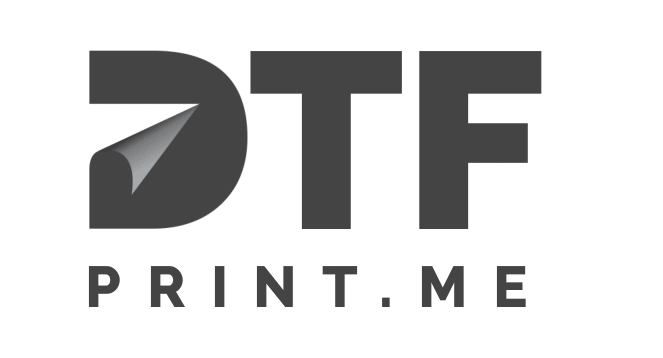
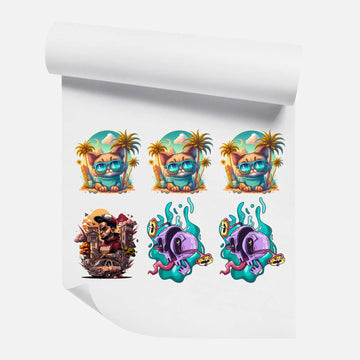
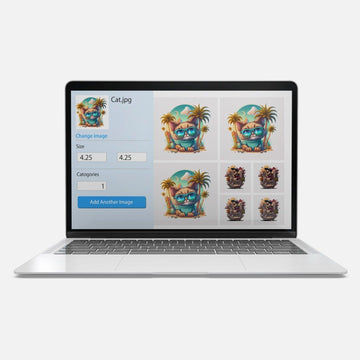
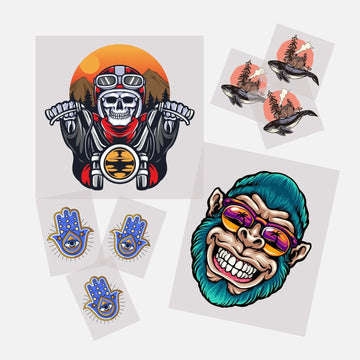
When ordering DTF printing online, you often purchase space by the gang sheet. It is a large continuous roll of film that you can fill with artwork. If you expect the absolute most value for your money, you need to pack as many designs onto that single sheet as possible. This specific process is called nesting. Necessary Step: You can rotate your images, tuck smaller chest logos into the negative space of larger back designs, and arrange your graphics very tightly together. Just make sure to leave at least a quarter-inch of space between each design. If you require same day DTF printing, do not expect the print shop to build your gang sheet for you. Arrange the sheet yourself, save that particular image file in a single HD format, and finally submit it for printing.
Conclusion
By mastering image resolution, understanding physical color limitations, handling transparencies correctly, and sizing your work accurately, you give yourself the best possible chance for a flawless heat press every time. This significantly speeds up the production. If you also want vibrant and durable transfers that will last in repeated washes, place your order with reputed companies like DTF Print. You will get deliveries on time. This will help your clothing business grow genuinely among customers.
Frequently Asked Questions
Q1: What is the best file format for saving my design?
Ans: The industry standard for uploading direct to film transfers is a high resolution PNG file. These specific files naturally support transparent backgrounds, which are completely necessary for this printing method.
Q2: Can I use a photograph for my apparel design?
Ans: Yes, you can absolutely print photographs on apparel. Because the machines print in full color, photos look incredibly realistic. However, you must carefully remove the photo's background if you do not want it to print as a giant, solid square on your shirt.
Q3: Why does my final print have a white outline?
Ans: If your final press shows a harsh white outline or speckling, it usually means your digital file had soft, semi-transparent edges or that you applied a drop shadow effect. Always use hard, defined edges in your artwork to avoid this problem entirely.

